PoodleCollective
Back to all work

E-commerce & systems integration

Configured-product integration

Turning complex product choices into clear, usable orders.

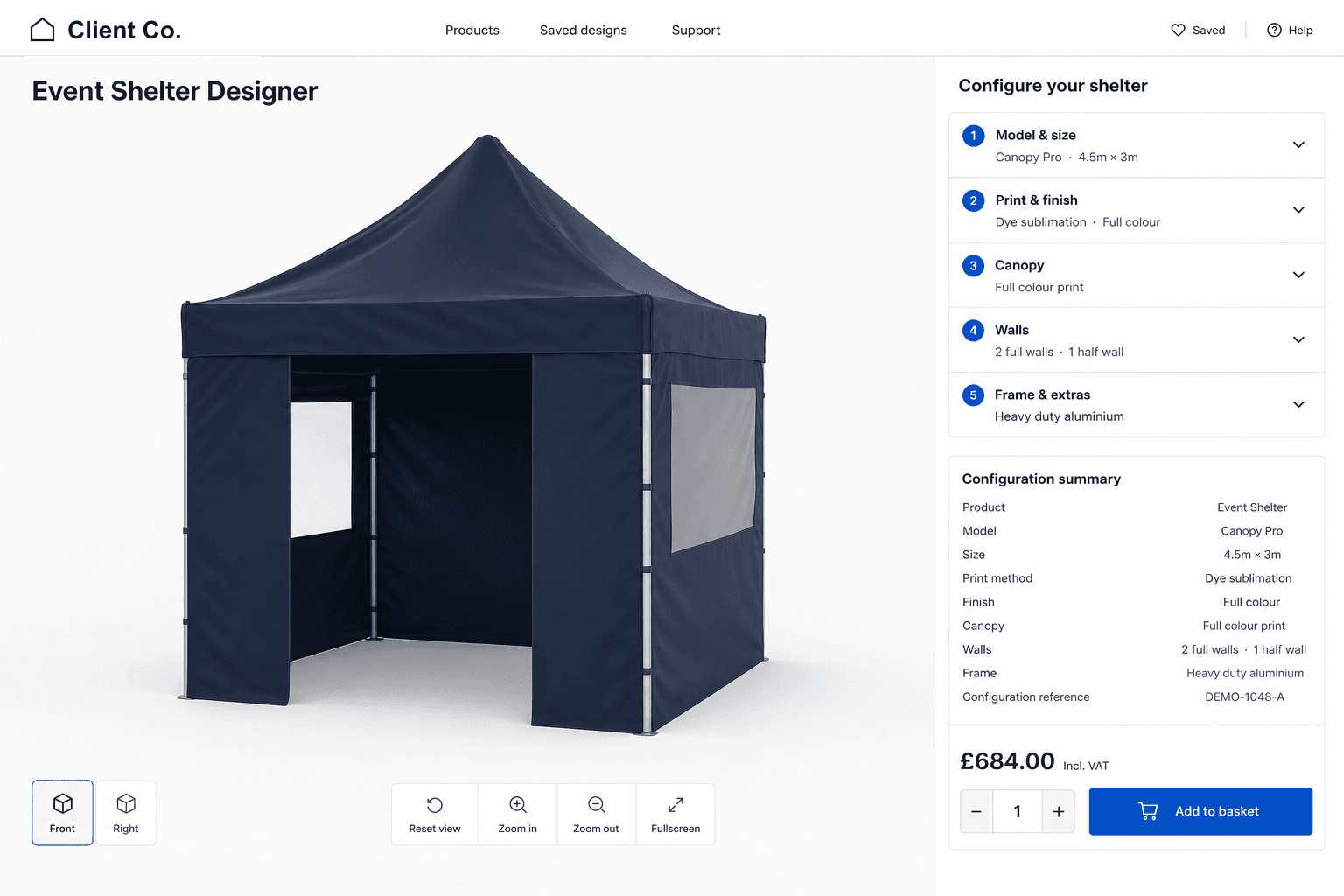
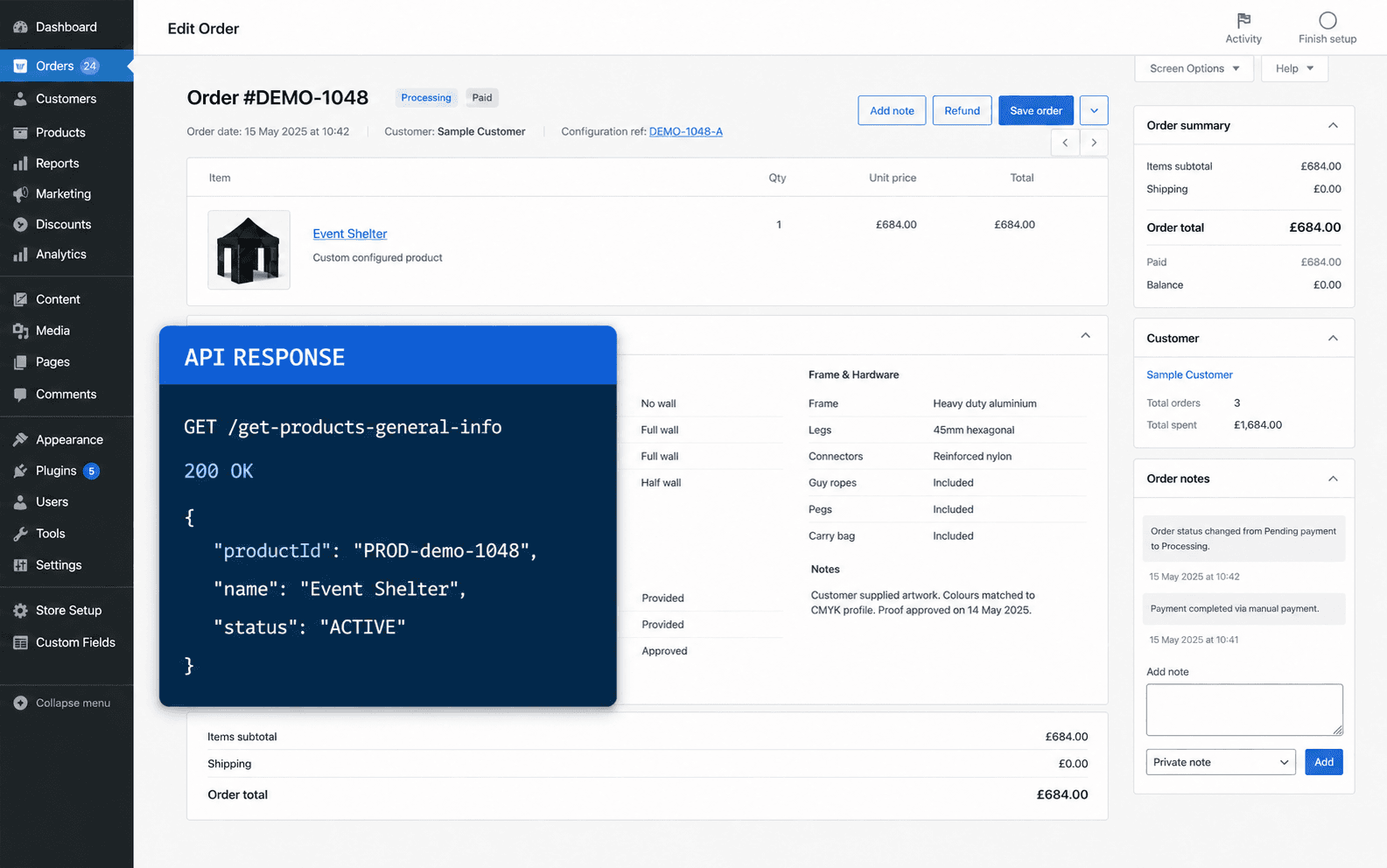
Customers could configure the product successfully, but the resulting order details were difficult to understand. We turned those choices into a clear summary for customers, administrators and fulfilment teams.

Third-party configurationRaw product-builder output
{1"product_model": "MODEL_04",2"width_mm": 3000,3"depth_mm": 4500,4"roof_colour": "CHAR",5"frame_colour": "GREY",6"wall_rear": "SOLID",7"wall_left": "WINDOW",8"wall_right": "DOOR",9"artwork_files": [2 items],}
!

Technical and hard to interpretDifficult for customers and teams to use.

WooCommerce orderClear, structured specification
ProductModular display shelter3 × 4.5 m
Colours
Roof: Charcoal
Frame: Cloud grey
Wall setup
Rear: Solid
Left: Window
Right: Door
Front: Open
Artwork
2 files supplied
Additional
Ground kit included

Clear for customers and fulfilment teamsReady across the WooCommerce order journey.

The requirement

Make every configured order easier to understand.

The existing product builder did its main job well, but the information passed into WooCommerce was difficult to review. Customers needed confidence in what they had ordered, while the team needed a practical specification.

  • Make complex product orders easy to review
  • Organise product, colour, wall and artwork choices clearly
  • Show the same useful information throughout the buying journey
  • Give fulfilment teams a practical order specification
  • Keep the existing product builder in place

What we built

Turning complex configurations into clear orders.

The integration keeps the existing product builder, then organises its output into information that customers and teams can actually use.

  1. 01

    Bring in the choices

    The customer’s product choices are brought into WooCommerce when the configured item is added to the basket.

  2. 02

    Remove the noise

    Internal codes and unnecessary information are removed, leaving only the details people need to understand the order.

  3. 03

    Organise the order

    Product details, colours, walls, artwork and additional options are grouped into clear sections.

  4. 04

    Use it everywhere

    The same readable summary appears wherever customers, administrators or fulfilment teams review the order.

The resulting specification

Organised around what people need to know.

The order is divided into five practical sections, with clear labels and only the information needed to understand and fulfil the configured product.

Product

The model, size, print method and finish shown together at the top of the order.

Colours

Canopy, valance and wall colours matched clearly to the areas where they belong.

Wall setup

Window, door and solid wall choices presented in a useful physical order.

Artwork files

A clear record of the artwork supplied with the configured product.

Additional options

Relevant extras kept together so they are easy to find during order review.

WooCommerce
Illustrative order

Configured product

Processing
ProductModular display shelter3 × 4.5 m
Colours
Roof: Charcoal
Frame: Cloud grey
Wall setup
Rear: Solid
Left: Window
Right: Door
Front: Open
Artwork
2 files supplied
Additional
Ground kit included

A consistent order journey

Clear from basket to fulfilment.

Customers and teams see the same understandable product summary wherever they need to review the order.

  1. 01Cart
  2. 02Checkout
  3. 03Order received
  4. 04Customer email
  5. 05Order administration
Configured productModular display shelterConfiguration attached
Your configuration
ProductModular display shelter3 × 4.5 m
Colours
Roof: Charcoal
Frame: Cloud grey
Wall setup
Rear: Solid
Left: Window
Right: Door
Front: Open
Artwork
2 files supplied
Additional
Ground kit included

The outcome

Clearer orders without replacing the existing builder.

Customers can review what they selected, while administration and fulfilment teams receive an order arranged around the information they need.

Clearer orders

Complex choices become an understandable specification.

Consistent information

The same clear summary throughout the order journey.

Ready for fulfilment

Product choices arranged around practical order review.

No replacement project

The existing builder remains in place and connected.

Technology

The technology behind the integration.

  • WordPress
  • WooCommerce
  • PHP
  • API integration
  • Advanced Custom Fields
  • JavaScript

About this project

Category
E-commerce & systems integration
Services
Integration development, data transformation and user experience
Architecture
Custom WordPress plugin connecting the existing product builder with WooCommerce
How it works
Product choices are collected, organised and shown consistently throughout WooCommerce

Need two systems to work better together?

Tell us what each system provides, who needs the data and where the current workflow breaks down.

Discuss a project